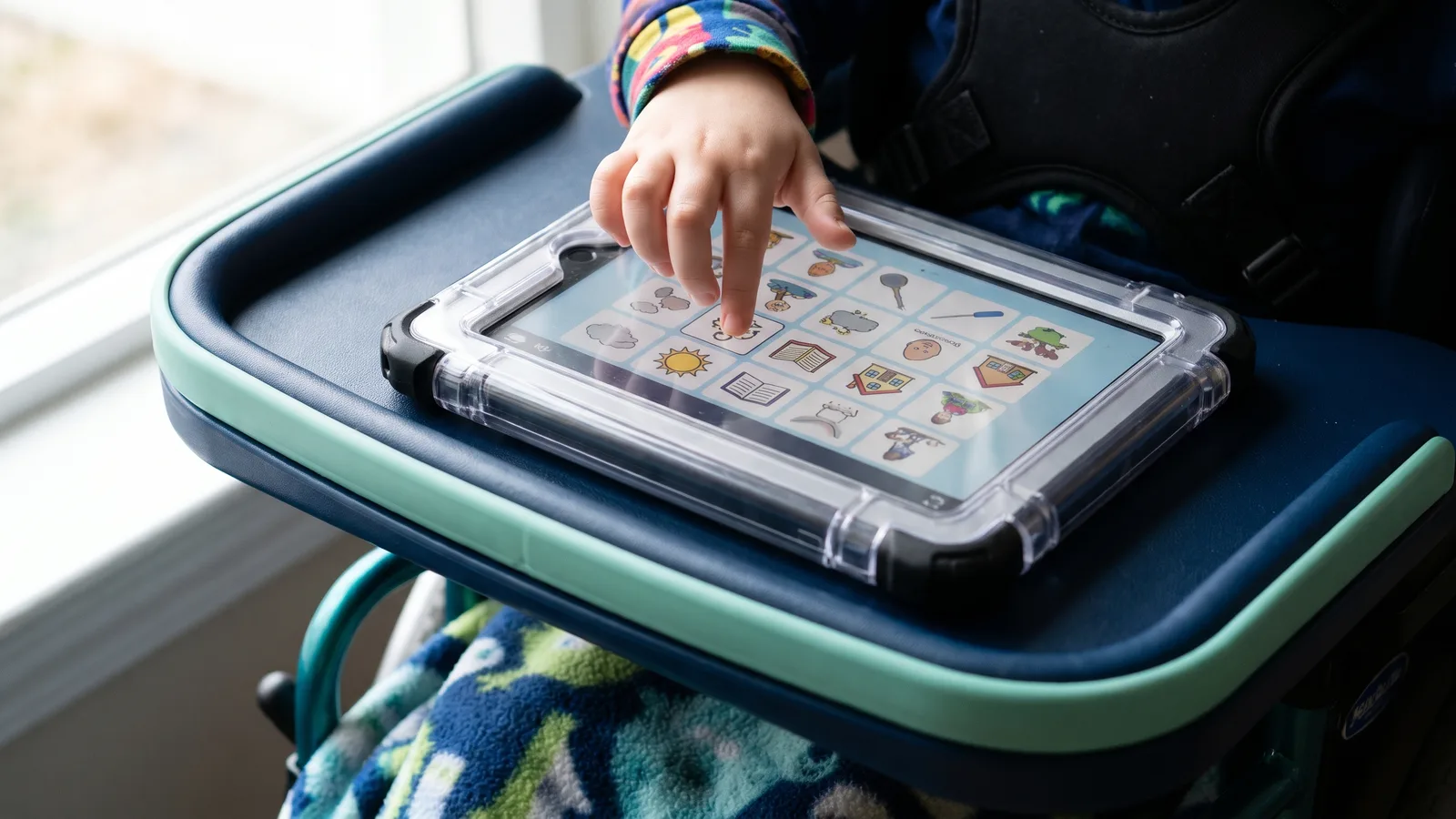
The apps families most often ask about for cerebral palsy are AAC apps (augmentative and alternative communication): Proloquo2Go, TouchChat HD, LAMP Words for Life and TD Snap, plus free options such as Cboard. Which one suits a child depends less on the app than on how that child can reach the screen: with a finger, through a keyguard, with a switch, or with their eyes. Finding that out is the job of a speech-language pathologist’s AAC evaluation, and the evaluation should come before the purchase.
Below is what each app’s own listing says about platform, price and access methods, checked on October 29, 2026. After that come the free accessibility features already built into iPhones, iPads and Android tablets, and where therapy and home-program apps fit. For how apps compare with dedicated speech devices, see our guide to communication devices for cerebral palsy.
Why access comes first with cerebral palsy
AAC systems do not have to be operated by touch. The American Speech-Language-Hearing Association notes that “selections can be made via eye gaze, head pointing, or scanning methods” (ASHA Practice Portal). In scanning, the system highlights items one at a time and the user signals, often by pressing a switch, when the right one comes up. Many children with cerebral palsy have hand control that is slow or inconsistent, so the access method usually narrows the list before anyone discusses vocabulary.
A child who can touch the screen but often hits the wrong button may use a keyguard, a cover with an opening over each button. PRC-Saltillo, which makes TouchChat and LAMP Words for Life, says the depth of a keyguard “allows for more accuracy without accidental hits from other parts of the fingers or hand” (PRC-Saltillo). Button size matters for the same reason, which is why the number of grid layouts an app offers appears below.
AAC apps families ask about
This is not a ranking. Each entry states only what the developer’s page or the US App Store listing said on October 29, 2026. Prices change often, so confirm them before budgeting.
Proloquo2Go (AssistiveWare)
Runs on iPhone, iPad and Apple Watch, where it must be paired with an iPhone. The App Store listed it at $249.99 on October 29, 2026, with the Gateway vocabulary sold as a $149.99 in-app purchase (App Store). The listing mentions accessibility settings that support switch scanning, and AssistiveWare says the app supports “a range of interaction methods, switches, and keyguards,” with 23 button layouts running from 9 to 144 buttons per page (AssistiveWare). Neither page describes eye gaze access, so ask the SLP or the company if that is on the table.
TouchChat HD (PRC-Saltillo)
Runs on iPad, iPhone and Apple silicon Macs. Listed at $149.99 on October 29, 2026, with the WordPower vocabulary as a separate $149.99 in-app purchase (App Store). The listing says button timing, including dwell and release time, can be adjusted to the user, and that scanning, head tracking and eye tracking “may be available based on device model,” sometimes with extra hardware. Release notes for 2026 added third-party switch compatibility, and an earlier version updated keyguard settings.
LAMP Words for Life (PRC-Saltillo)
LAMP stands for Language Acquisition through Motor Planning. Each word has its own movement, and that movement stays the same as the vocabulary grows (LAMP Words for Life). The app holds 4,500 core and fringe words, and a free version called LAMP Words for Life Discover runs for 30 days before purchase (PRC-Saltillo). It is designed for iPad and was listed at $299.99 on October 29, 2026 (App Store). The listing’s release notes mention keyguard settings and, in 2026, third-party switch compatibility; neither page we read mentions scanning or eye gaze.
TD Snap (Tobii Dynavox)
A free iPad download, but speech output needs a subscription after a one-month trial. The Speaking Upgrade was listed at $9.99 a month on October 29, 2026 (App Store). It is the app on this list whose listing says most about access: it “is accessible via touch, eye gaze and switch access methods,” with a Scanning page set for people who scan as their main method and a Motor Plan page set built for touch and eye gaze. Tobii Dynavox also sells dedicated devices, including the TD I-Series, which is controlled with the eyes (Tobii Dynavox).
Cboard
Free and open source. It runs in a web browser and through the Apple, Google Play, Microsoft and Amazon stores, which makes it one of the few options here for an Android or Windows tablet (Cboard). Its site does not describe switch or scanning support, so a child who needs switches would likely rely on the tablet’s own switch features, described below. A free app can be a way to start practicing; it does not replace an evaluation.
Let the AAC evaluation drive the choice
ASHA describes the SLP’s role as matching features to the person: symbol type, display, how the user makes selections, voice output, portability and cost. Assessment is ongoing, and device trials are a normal part of treatment. ASHA also warns that “lack of family involvement in the AAC process is cited as a significant factor in device abandonment” (ASHA). Parents belong in the trial, reporting what the child does at home. Our speech therapy for cerebral palsy guide covers what those sessions involve.
Who pays for a speech-generating device
ASHA says speech-generating devices are considered durable medical equipment and that the SLP “must justify that the device being ordered is medically necessary in order to receive third-party funding” (ASHA). Medicare’s coverage rule, NCD 50.1, covers software that lets a computer or other electronic device generate speech, but says computers and tablets are generally not durable medical equipment (CMS). For children on Medicaid, the EPSDT benefit requires states to provide medically necessary services to enrollees under 21 (Medicaid.gov). How a device request is approved still varies by state and plan. Our communication devices guide walks through funding, including school routes.
Accessibility features already on the tablet
On an iPhone or iPad, Switch Control (Settings > Accessibility > Switch Control) lets a person select, tap, drag and type with switches. A switch can be an external Bluetooth switch, a tap on the screen, or a head movement seen by the front camera, with left and right counting as two separate switches (Apple Support). Apple’s Eye Tracking uses the front camera on iPhone and iPad, and Guided Access can lock the device to a single app, which helps when a child keeps leaving the AAC app by accident (Apple Accessibility).
Android’s Switch Access does the same job: it scans items on screen and lets a person choose with one or more USB or Bluetooth switches, or with keys on an external keyboard (Google).
Therapy and home-program apps
App stores mix AAC apps with practice apps, such as articulation games and vocabulary drills. These are a different category, and our speech therapy tools page explains why a practice app is not a voice. Ask the child’s therapist which practice apps fit the current goals. For play, our free accessible games work by switch, keyboard, touch or mouse, with no timers and no ads. Mounts, seating and other equipment are covered in our assistive devices guide.
Questions families ask
What is the best app for cerebral palsy?
There is no single answer. The right AAC app depends on how the child accesses the screen, their vision and their language, which is what an SLP’s AAC evaluation measures.
Can a child with cerebral palsy use an AAC app without using their hands?
Yes. TD Snap’s listing names eye gaze and switch access, and iPads offer Switch Control with head movement through the front camera.
Does insurance pay for an AAC app?
Sometimes. Medicare’s rule covers speech software but generally not the tablet. Medicaid and private plans set their own rules, and an SLP’s report showing medical necessity is usually required.
Is there a free AAC app?
Cboard is free and open source. TD Snap is a free download, but speech output needs a paid subscription after a one-month trial.